
Send a customer their ledger statement as a PDF
A customer asks for their account. Open the ledger, export it, and share it from your phone in under a minute.
-
Step 1: Open the ledger
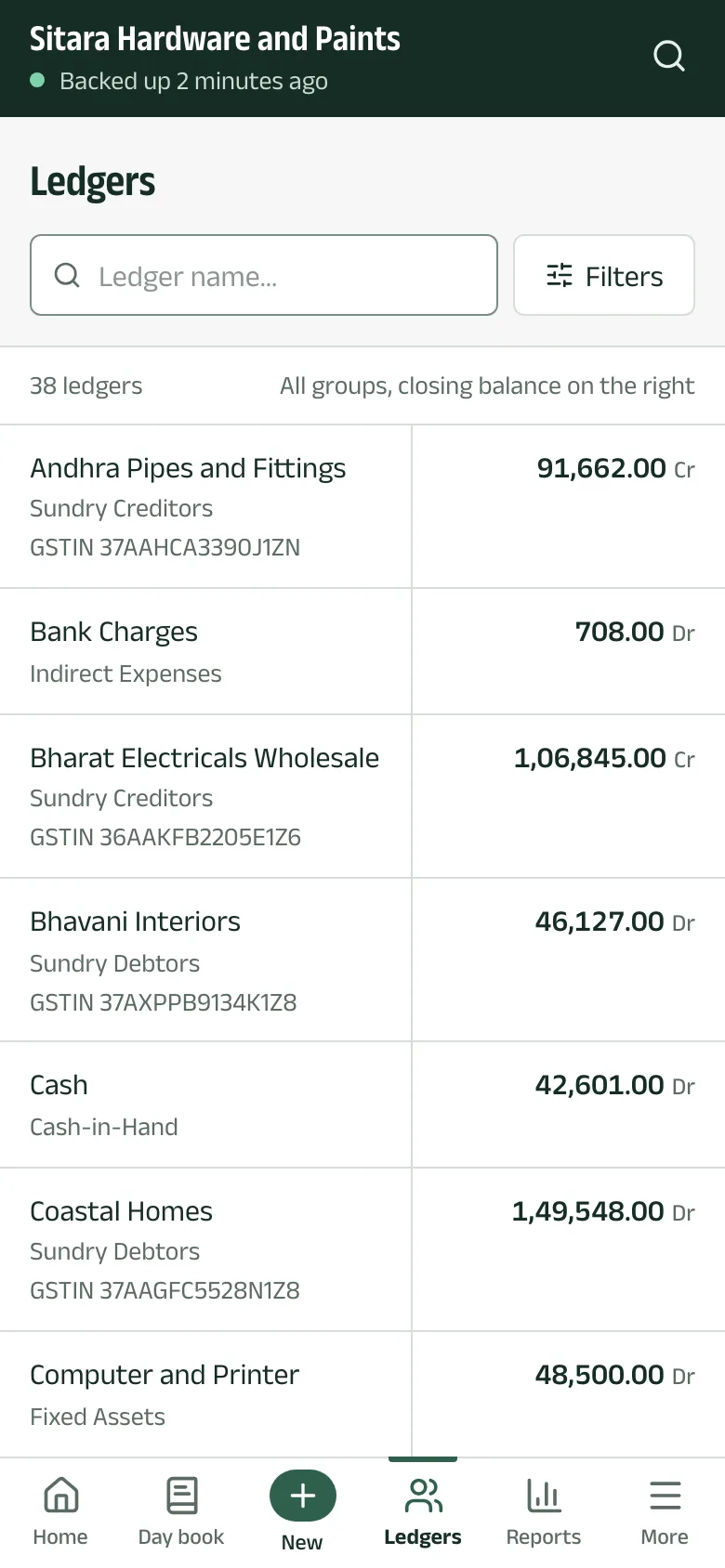
Tap Ledgers, type a few letters of the name, and tap the ledger. The list shows each ledger's group, GSTIN and closing balance.
-
Step 2: Check the statement
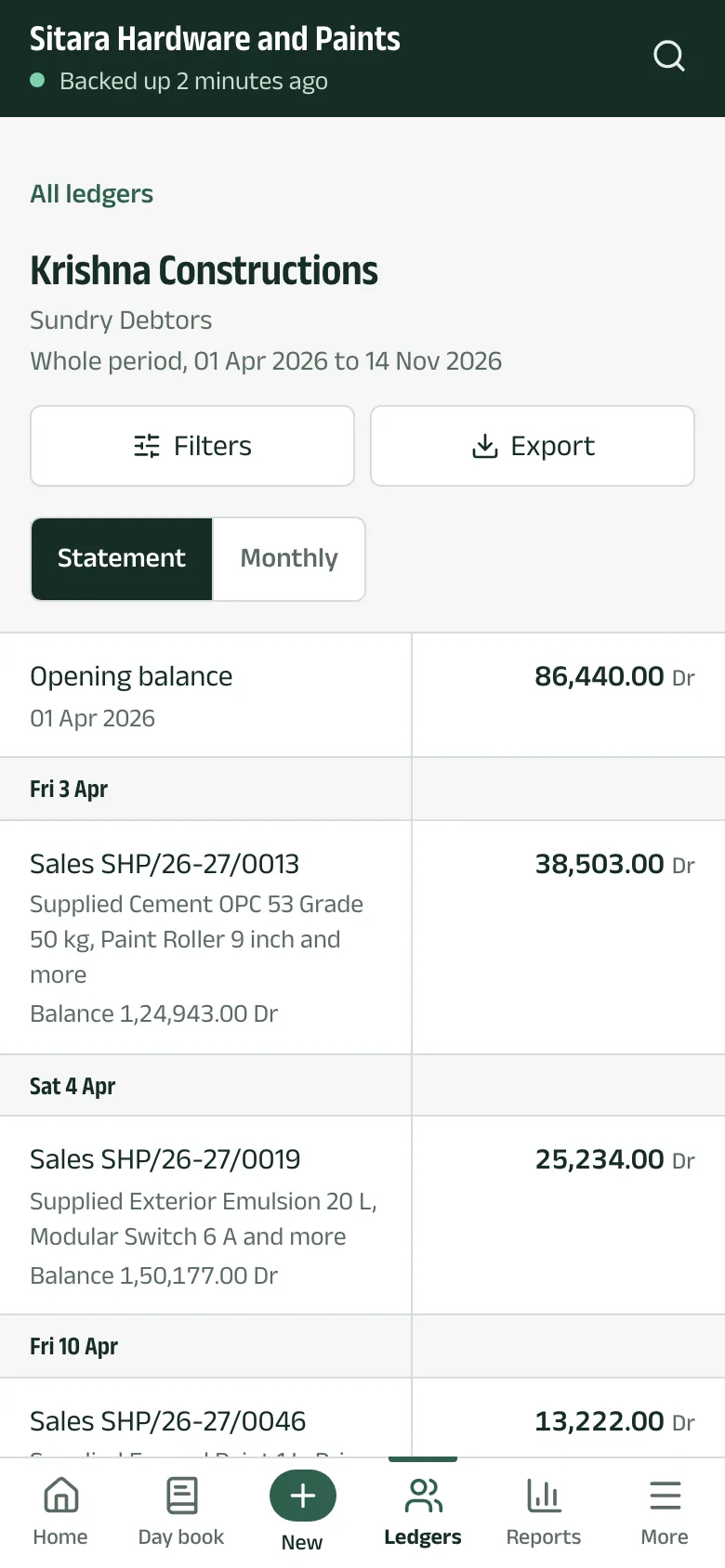
The statement starts with the opening balance, then every entry by date with the running balance. Monthly shows a month-by-month summary instead. Filters changes the period.
-
Step 3: Export and share
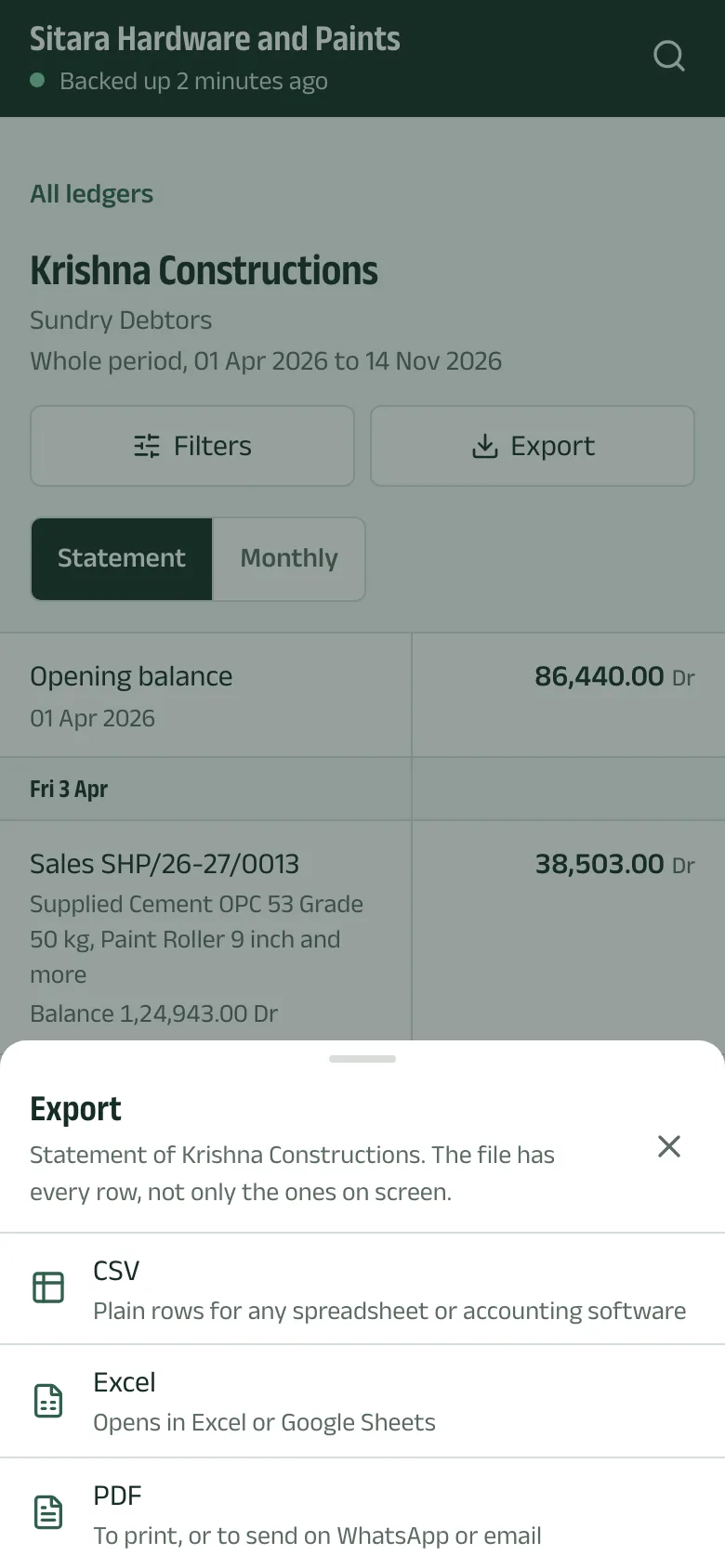
Tap Export and choose a format:
- PDF to print, or to send on WhatsApp or by email.
- Excel opens in Excel or Google Sheets.
- CSV for any spreadsheet or accounting software.
The file has every row, not only the ones on screen. After it downloads, tap Share PDF (or Share XLSX, Share CSV) and pick the app to send it with.
Questions
- Can I export reports too?
- Yes. Every report, the ledger statement, the stock summary and an item's movements have the same Export button.
- Does this work without internet?
- Yes, from the copy of the books saved on your phone.
The pictures show Sitara Hardware and Paints, an invented shop. Its customers, suppliers and figures are made up.