
Find any entry and share an invoice PDF
The day book holds every voucher, newest first. Open one to see its lines, and share it as a PDF.
-
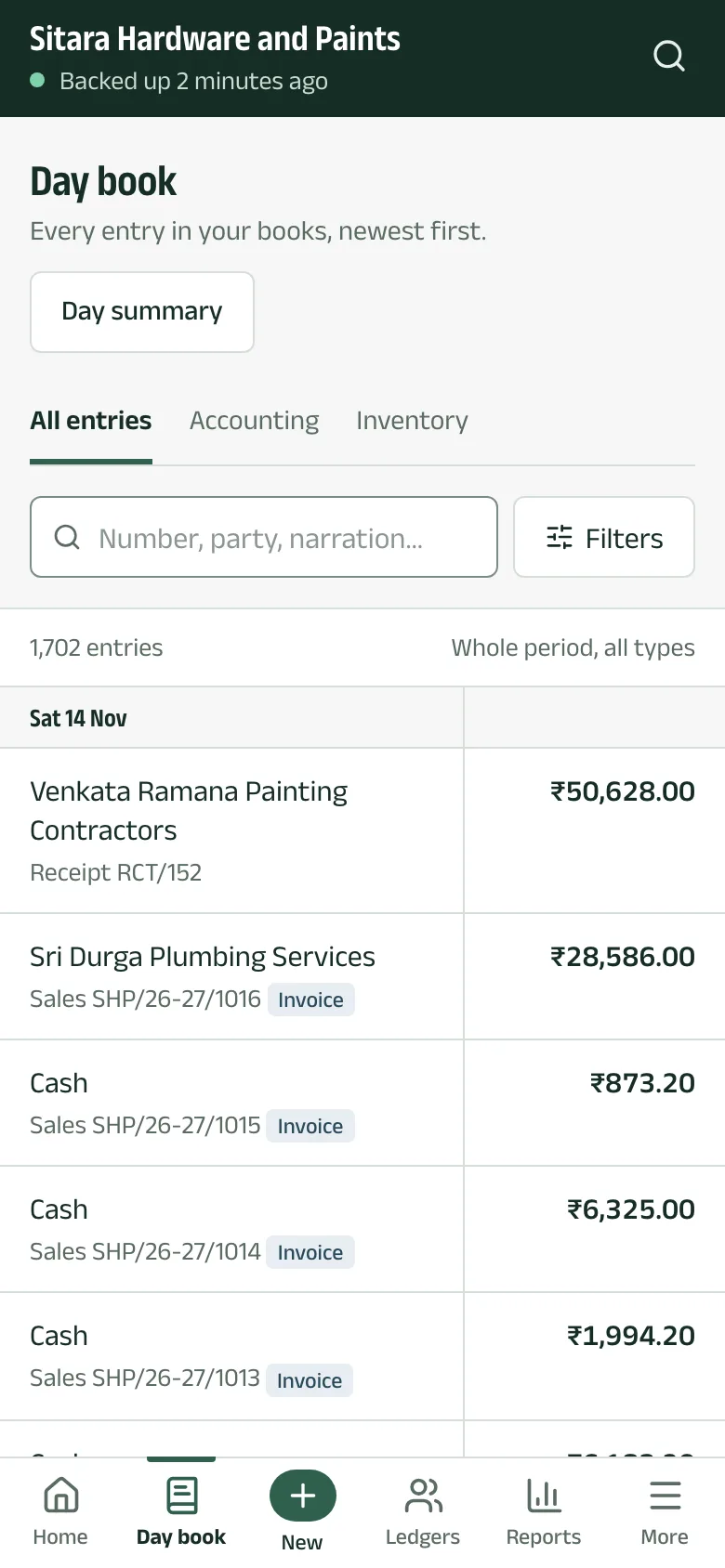
Step 1: Open the day book
Tap Day book. Entries are grouped by day. Type a number, a party or words from the narration to narrow the list, or use Accounting and Inventory to see one kind.
-
Step 2: Open an entry
Tap an entry for its party, items, tax lines and bill allocations.
-
Step 3: Print or share it
Under Print and share:
- Quick PDF (works offline) makes a PDF from the backup on your phone.
- Tally print layout asks Tally on the shop computer for its own printout. It needs Tally open, and invoice PDFs turned on in Aruvu Tally Connect.
Then tap Share PDF.

The pictures show Sitara Hardware and Paints, an invented shop. Its customers, suppliers and figures are made up.