
When the backup stops: what the shop computer's messages mean
Aruvu Tally Connect's window says in one line what is wrong. Here is each message and what to do.
-
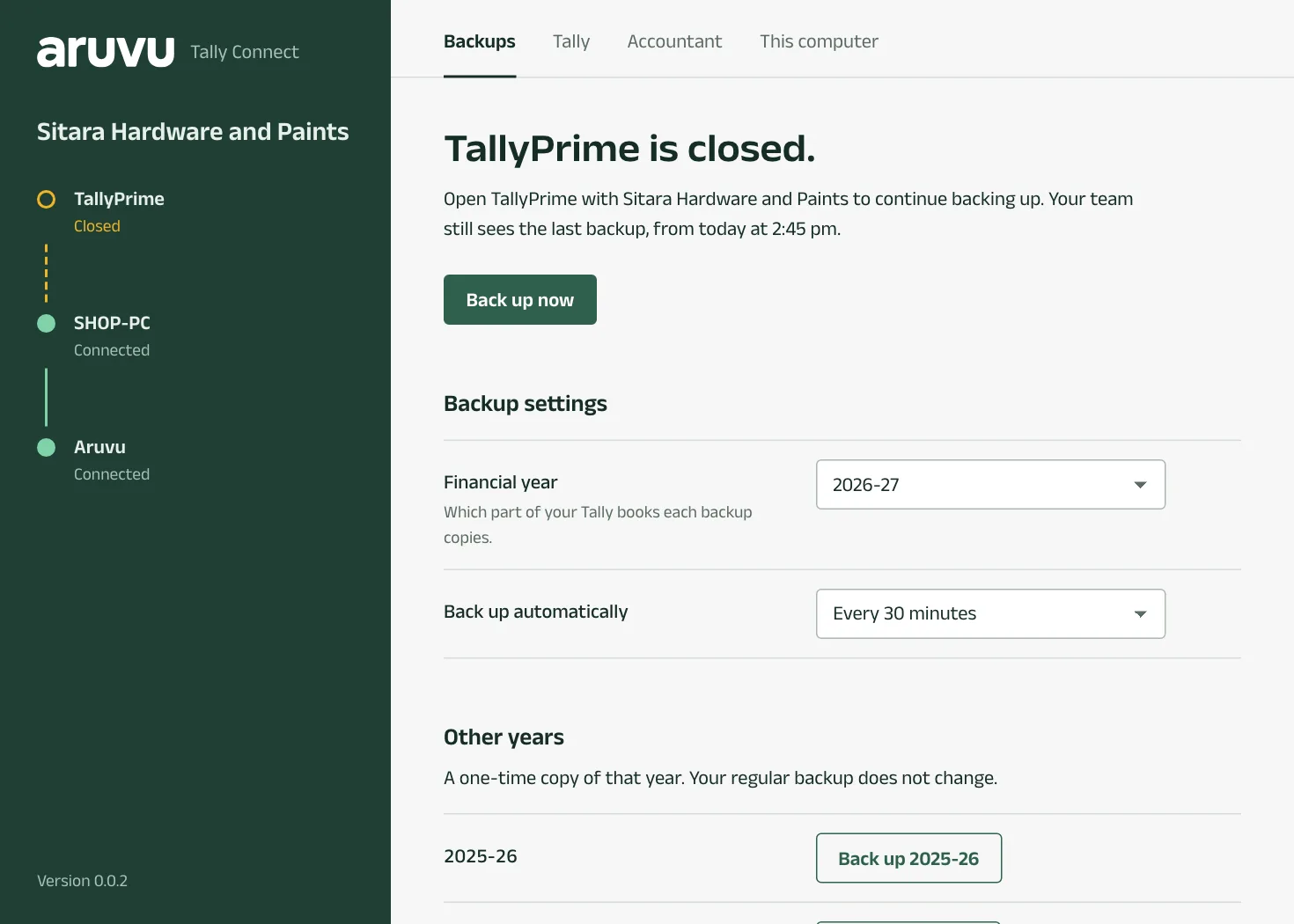
Step 1: TallyPrime is closed
Aruvu can only read Tally while it is open. Open Tally with your company. The window notices within a few seconds, and the next backup runs.
-
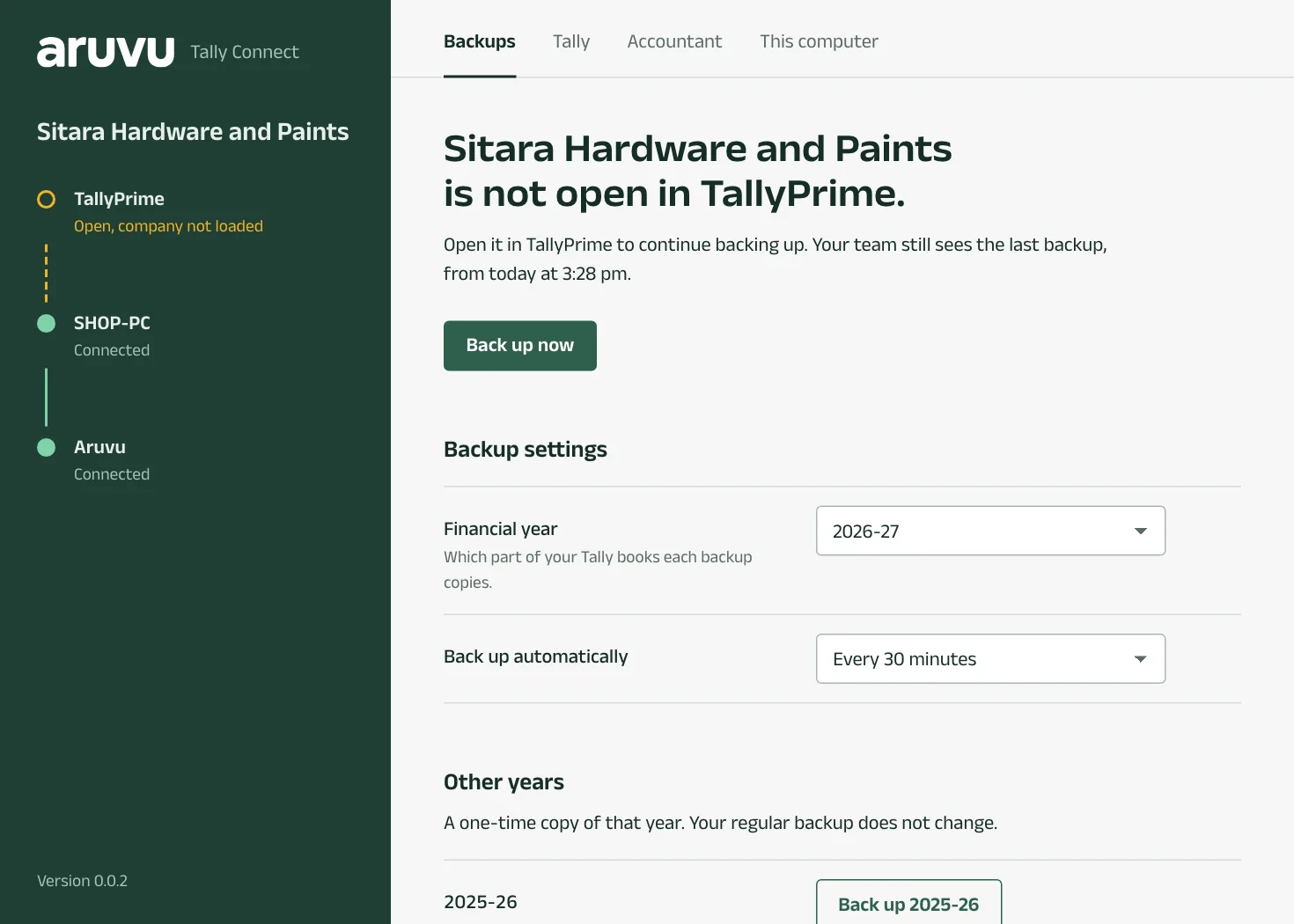
Step 2: Your company is not open in Tally
Tally is open, but with other companies. Open that company in Tally; you can keep the others open too.
-
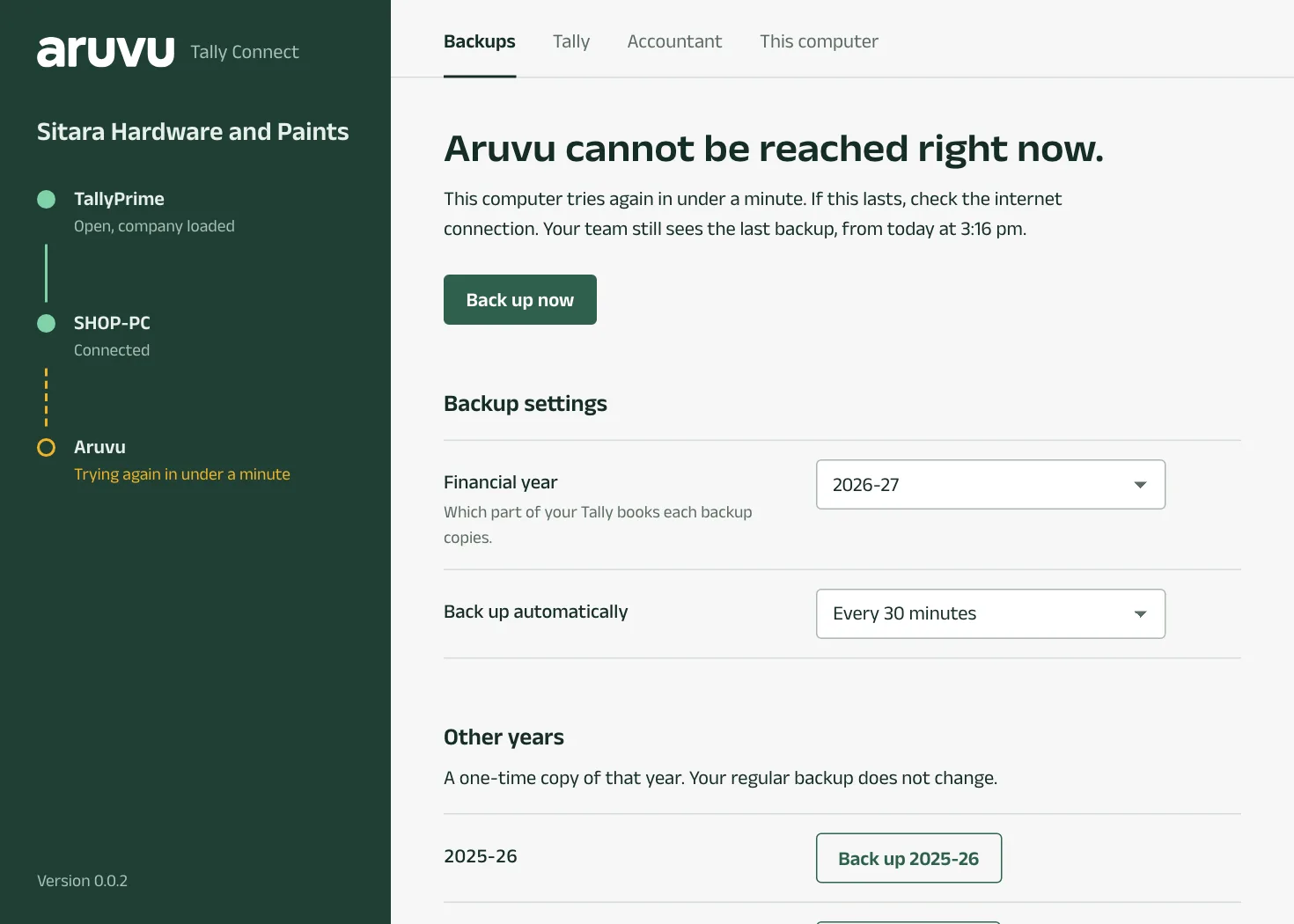
Step 3: Aruvu cannot be reached right now
The computer has no internet, or it cannot reach Aruvu. Check the connection. Aruvu Tally Connect keeps trying by itself and says when it will try next. A finished backup waits and is sent once the connection is back.
-
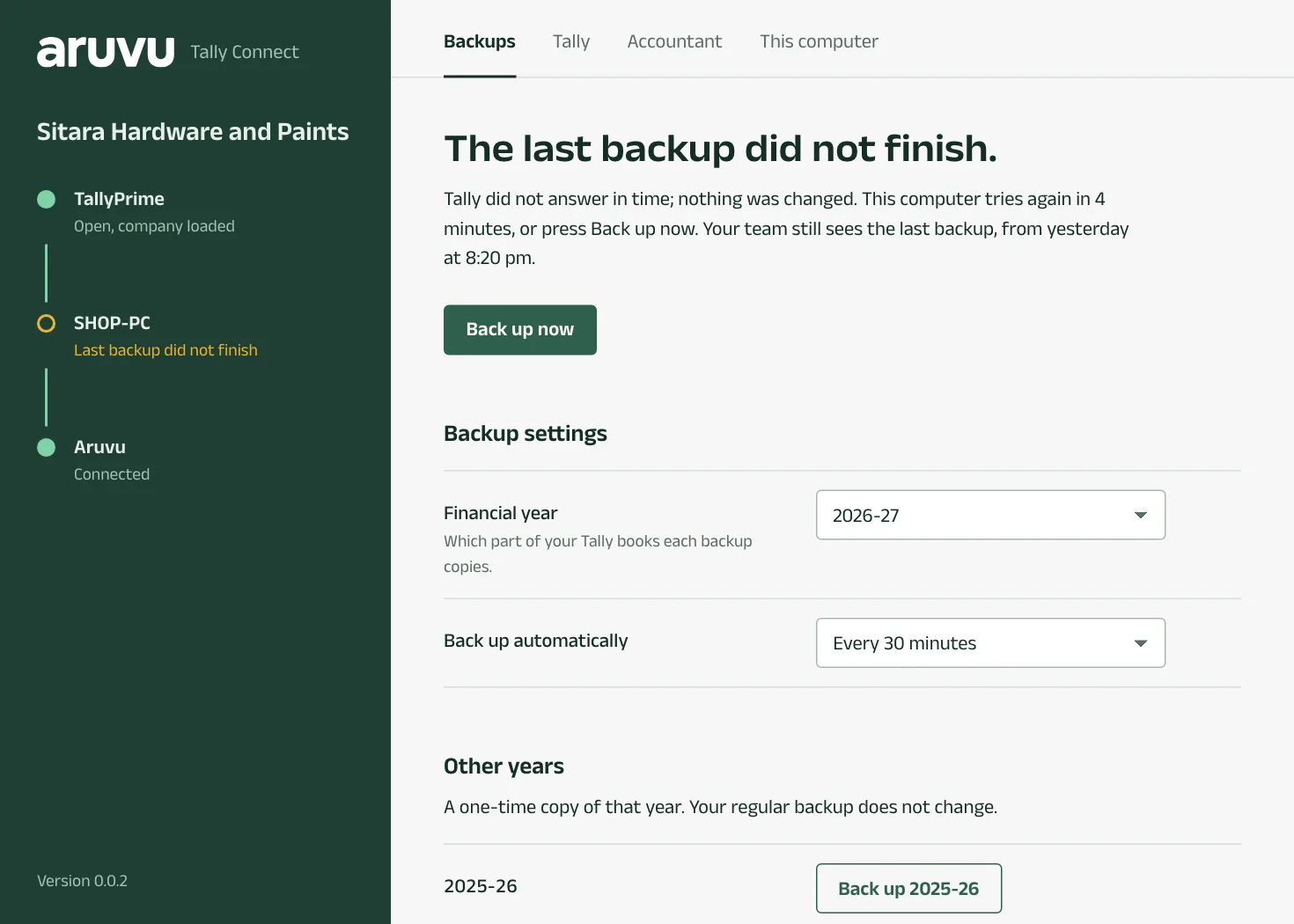
Step 4: The last backup did not finish
Tally did not answer in time, or stopped while being read. Nothing in Tally was changed. Aruvu tries again shortly; Back up now tries at once. If it keeps failing, close any report or screen that keeps Tally busy, or restart Tally.
-
Step 5: Connect this computer again
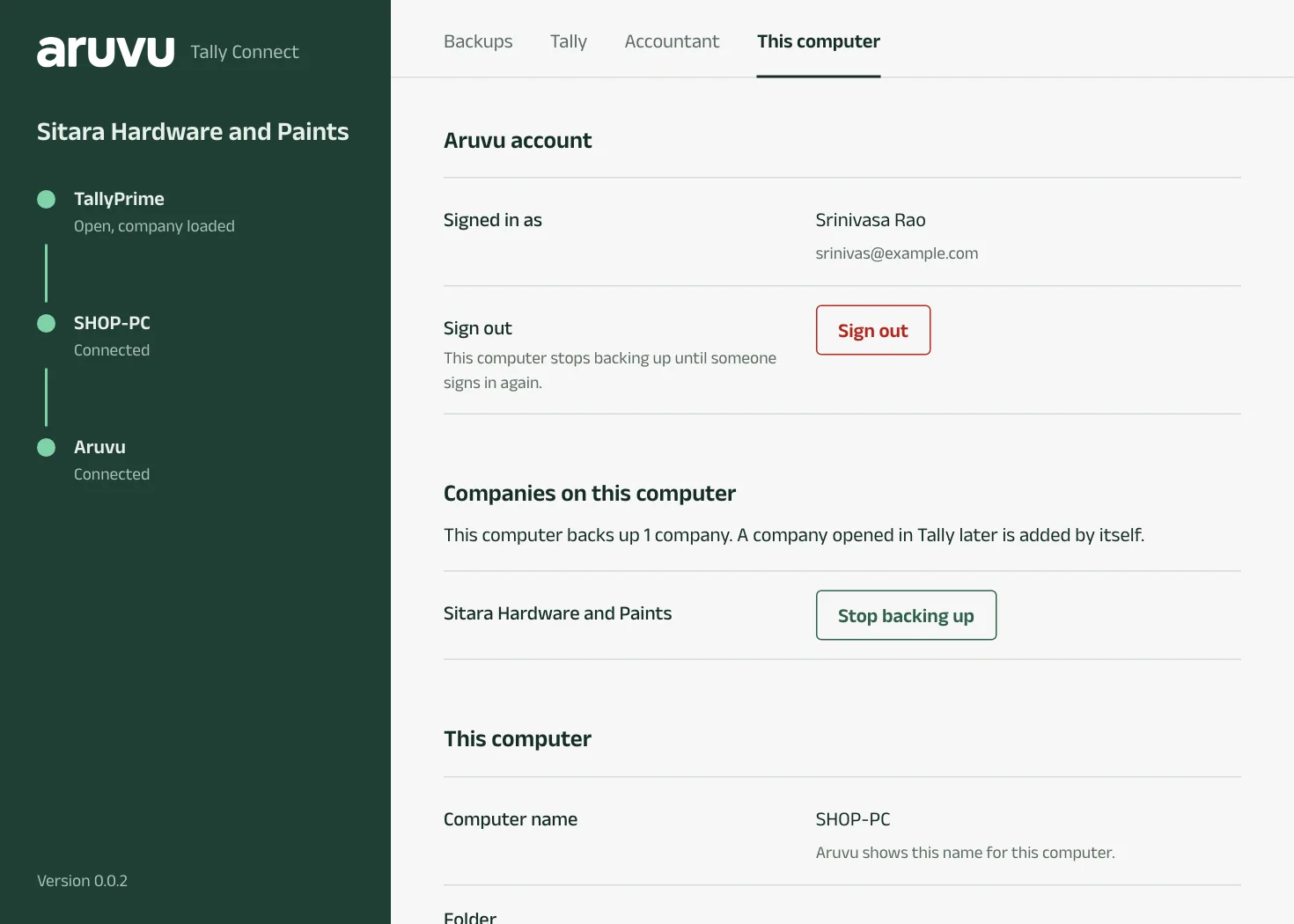
Aruvu no longer accepts this computer for the company, for example because it was disconnected in the app or another computer took over. In the window, press Connect again on the Backups tab. To stop backups from a computer on purpose, use Stop backing up or Sign out on its This computer tab.
Questions
- No Tally answered yet: what now?
- Tally's connection for other programs is off, or Tally is not open. See the guide to turning on Tally's connectivity.
- Still stuck?
- Write to us with a screenshot of the window. The This computer tab has Local files with Open folder if we ask for logs.
The pictures show Sitara Hardware and Paints, an invented shop. Its customers, suppliers and figures are made up.